A spreadsheet you can use anywhere
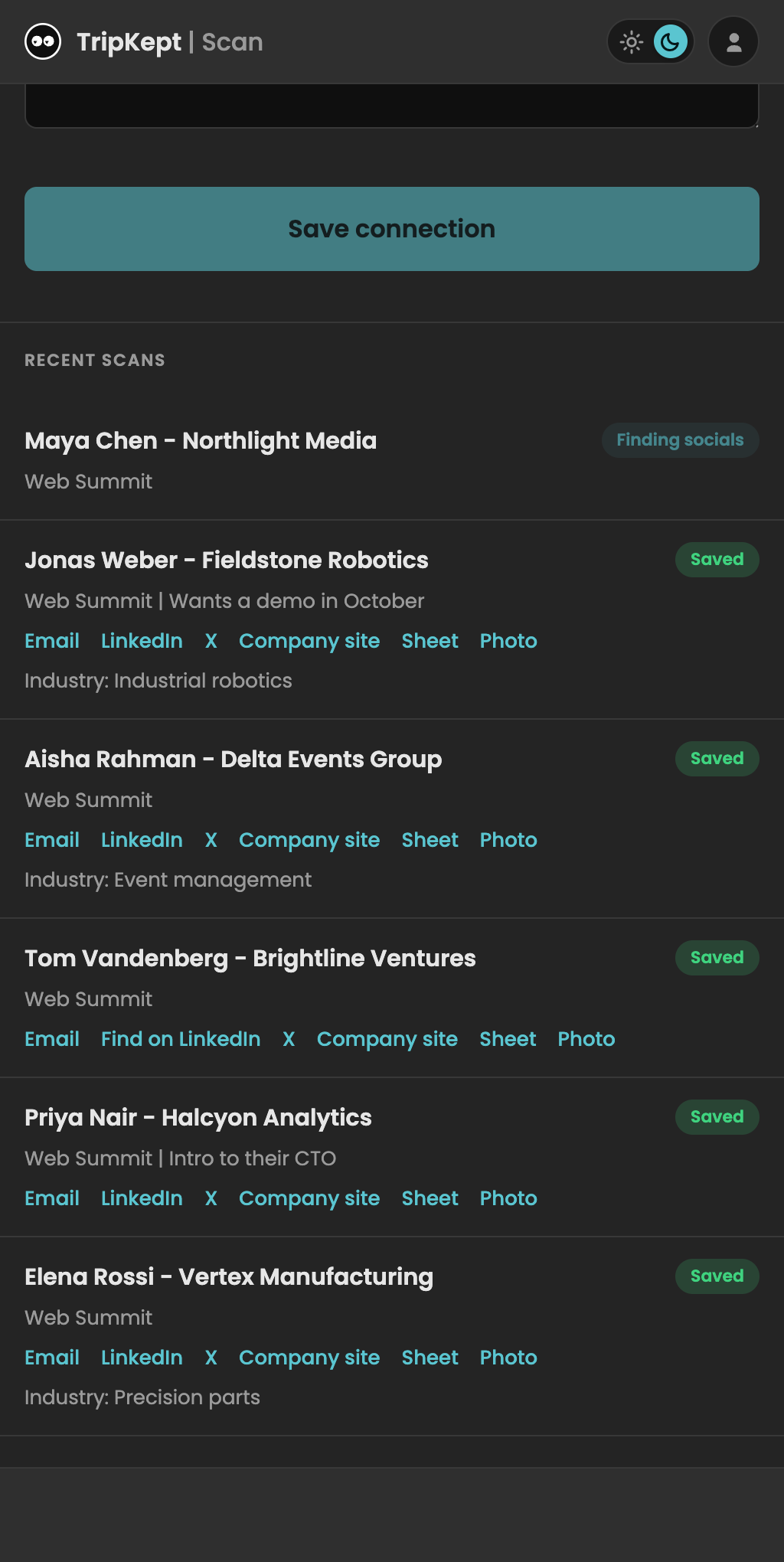
Scan the card and add your notes. BusyTrip saves a contact row and photo in Drive. Sort, share, or export the sheet without adopting a new sales pipeline.
Your files stay in Drive
Canceling BusyTrip does not remove filed copies. BusyTrip keeps temporary processing data and scan history under its Privacy Policy; team history remains until team deletion.
Add a CRM when you need one
Import your sheet into a CRM that accepts it, or connect a compatible CRM directly. Direct connections need setup and a successful test.
10 free scans a month. No card required.
Questions
Can I still get the data into a CRM later?
You can export the sheet for a CRM that supports spreadsheet imports, connect your own Notion or monday.com account, or configure a compatible custom CRM through MCP. Review the destination and fields, then test the connection.
Does BusyTrip see my other Google contacts or files?
BusyTrip requests per-file Drive access to files it creates or that you explicitly open with or share with it. It does not request Google Contacts, Gmail, or access to your entire Drive.
Where is the data if I lose my phone?
Saved Drive files remain in the connected account. BusyTrip also retains scan history, and your device can retain queued captures or recordings awaiting retry.
What does it cost without the CRM?
10 scans a month free. Unlimited is $6.99 a month or $49.99 a year.