No event-system access needed
BusyTrip reads the printed name and company on a badge or business card. It does not need the organizer's registration database. Public-profile lookup can add useful links when a match is found.
Keep the event together
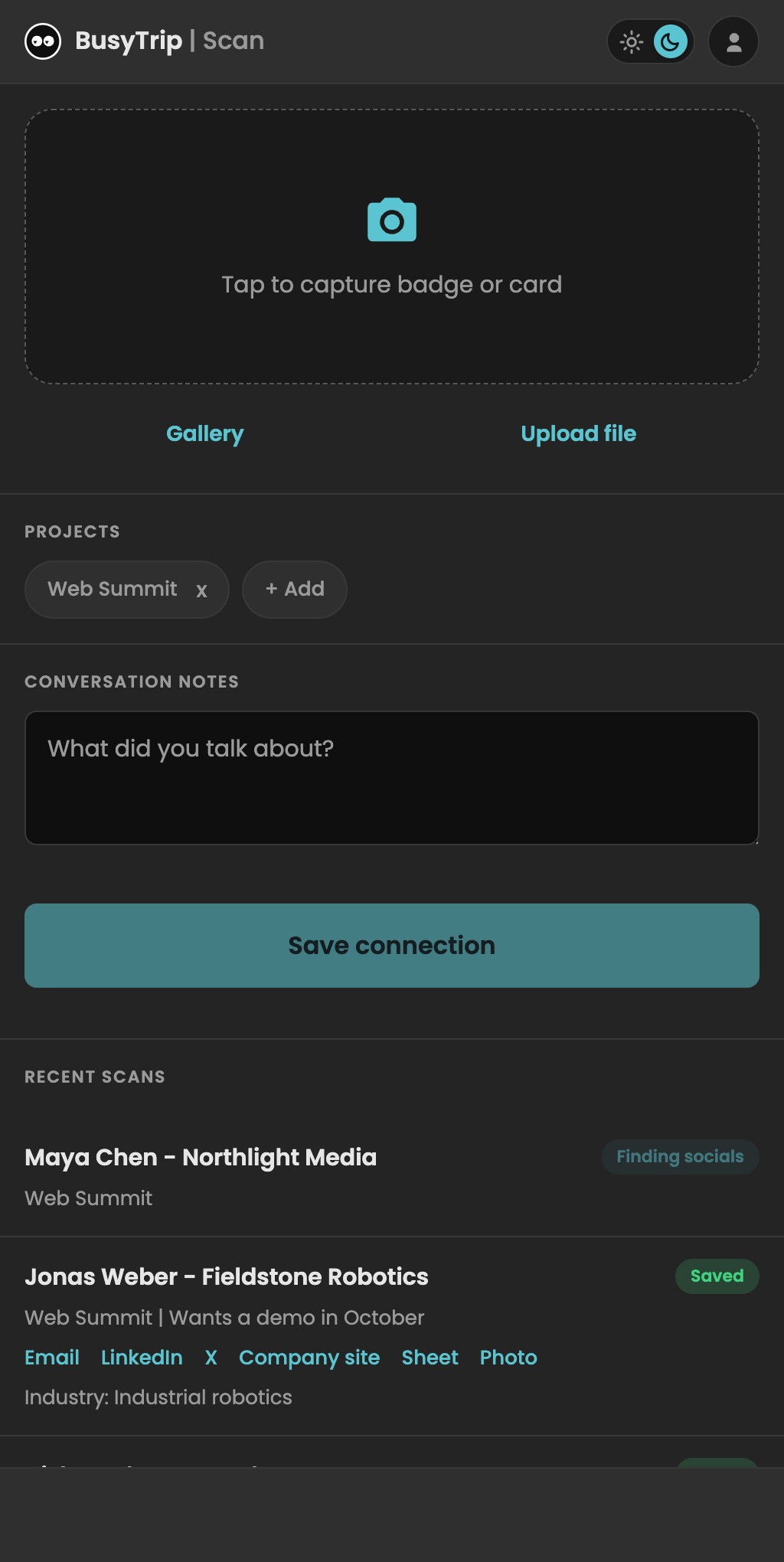
- Before: choose Personal or a team and select your event's project label.
- During: scan the badge and type a note or dictate a recap. Queued photos can upload when you are back online.
- After: filter your saved contacts by project, review their details, and follow up from your own inbox.
Know what the badge contains
A printed name is not an email address. BusyTrip may find public links, but it cannot unlock a private registration record from an opaque QR code. Blurry images and incomplete names can limit the result.
Going with colleagues? Use a shared team workspace.
10 free scans a month. No card required.
Questions
Does it need the event's app or QR code?
No. It reads the printed text on the badge from your photo. Supported vCard or MECARD QR codes can add contact fields. A proprietary event registration code does not give BusyTrip access to the organizer's attendee database.
Can two colleagues scan into the same sheet?
Yes. Create a team, configure its Drive or compatible CRM destination, and invite your colleagues. Select that team before scanning. Shared contacts show who scanned them and when.
What does the public lookup add?
LinkedIn, X and company website links, a short who-they-are line and an industry label, all from public sources. If nothing is found, those columns stay empty rather than guessed.
Is a business card better than a badge?
Usually. Cards have email and phone; badges rarely do. Scan whichever you have; both go into the same sheet.